Natas 0-4 OverTheWire

I will be walking through the first 5 levels of OverTheWire’s Natas web-security wargame which can be found here. A good tip for these walkthroughs is to write all the passwords on a notepad so you can stop and restart at any time without having to do them all again.
Levels
Level 0
The Natas OverTheWire website gives us the login and password for the first level here. So navigate to the website and use the login credentials to access the page. You should see this once you’re on the landing page:
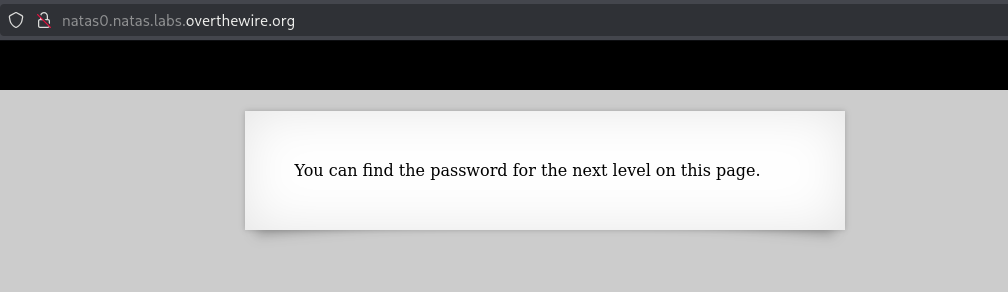
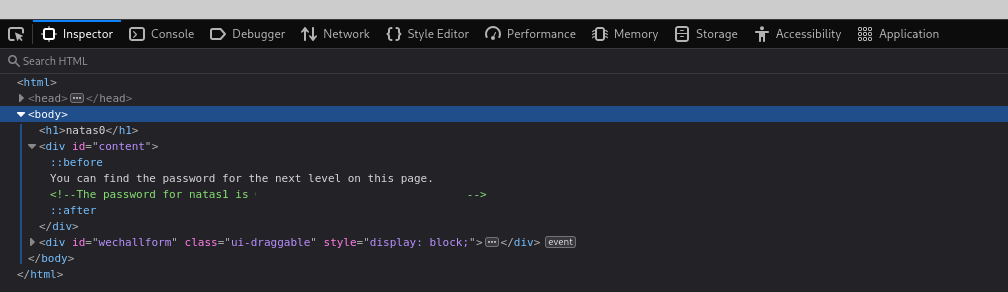
Once on this page you can press F12 on your keyboard to open the Developer Tools. Once in the inspector you can expand the <div id="content"> div and you’ll see the password! I’ve excluded it from the screenshot, so be sure to go get the password!
Level 1
Navigate to the natas1 webpage and input the username and new password you found in the previous level. Once complete you should be met with the landing page.
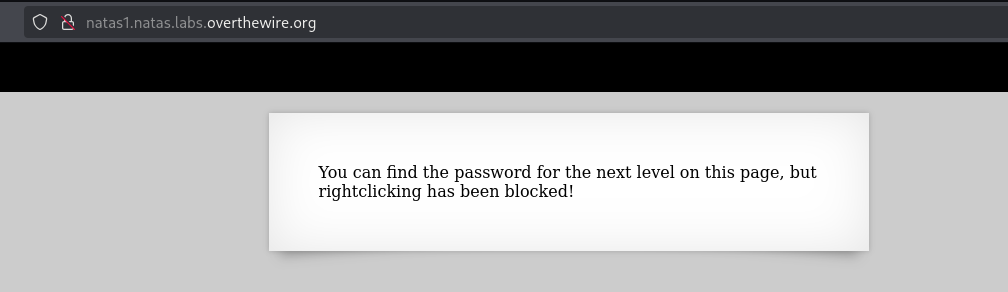
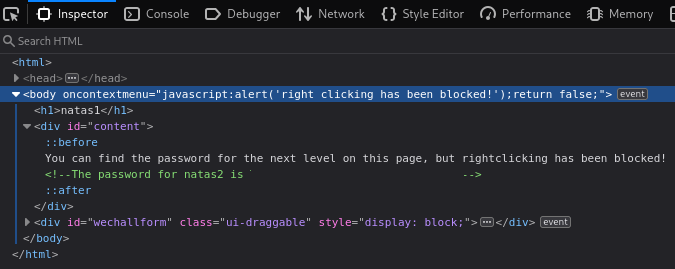
Once on the landing page it states that you cannot right-click to enter the Developer Tools so it’s a good thing I had you use F12 in the previous level. If you press F12 you’ll get the developer tools and if you expand <div id="content"> then you’ll see the password! I’ve excluded it from the screenshot, so be sure to go get the password!
Level 2
Navigate to the natas2 webpage and input the username and new password you found in the previous level. Once complete you should be met with the landing page.
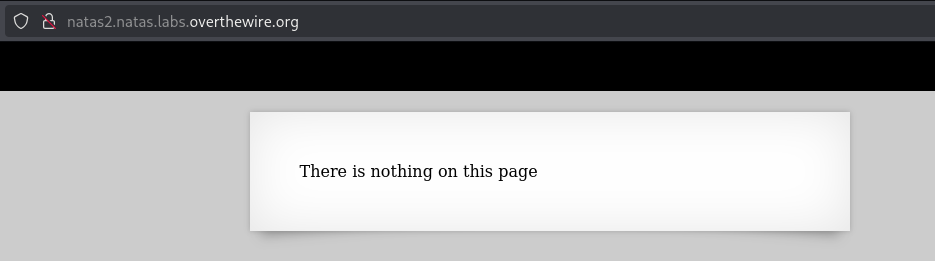
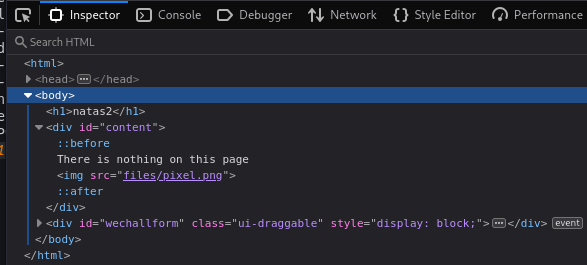
Once on the landing page it says There is nothing on this page. So first thing we’ll do is press F12 again and look around. If you expand the <div id="content"> you’ll see there is an <img src="files/pixel.png"> which means it’s using a local file, I wonder if we have access to that.
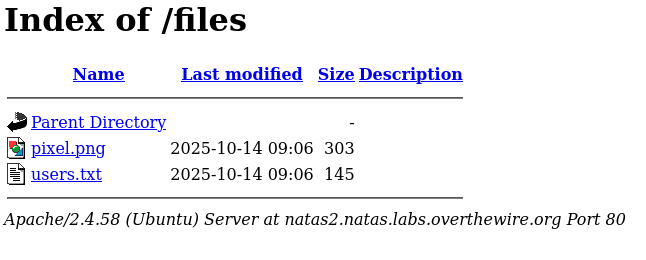
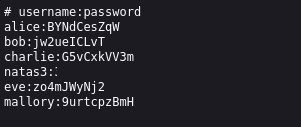
In the address bar add /files to the end of the link and press enter and you’ll see if it takes us to a file directory. Once there click the users.txt and get the password for the next level! I’ve excluded it from the screenshot, so be sure to go get the password!
Level 3
Navigate to the natas3 webpage and input the username and new password you found in the previous level. Once complete you should be met with the landing page.
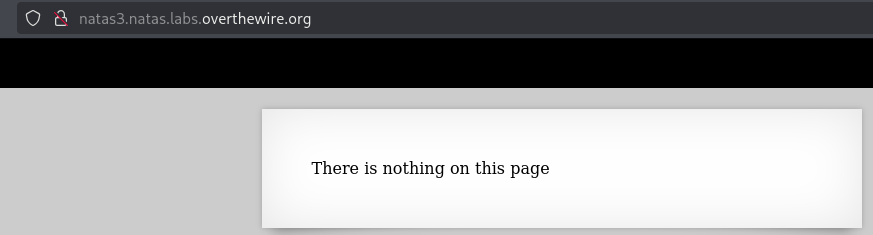
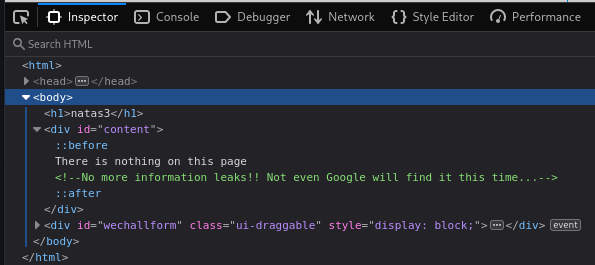
Once on the landing page it says There is nothing on this page. So first thing we’ll do is press F12 again and take a look around. If you expand the <div id="content"> you’ll see there is nothing there, but it mentions that No more information leaks!! Not even Google will find it this time....
When learning web-security I learned that a lot of websites have a /robots.txt path we can access, so I’m going to try that here. Looks like it worked and there is a Disallow: /s3cr3t/ entry which is trying to prevent us from going to that location. Let’s try that in the browser.
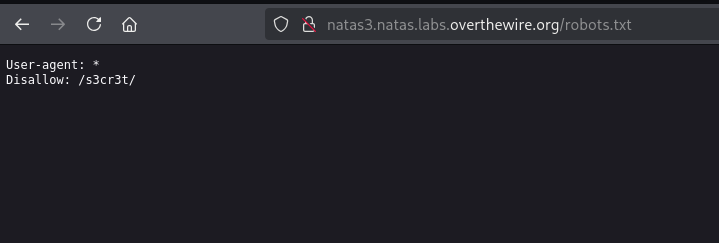
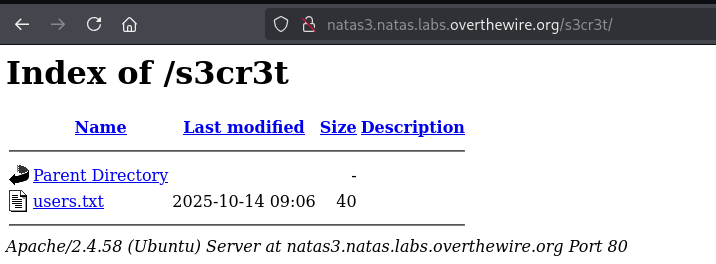
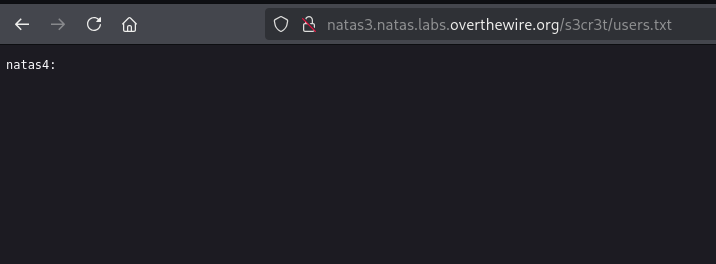
Looks like it works! It gives us another directory and we’re able to access a users.txt file that contains the password for the next level! I’ve excluded it from the screenshot, so be sure to go get the password!
Level 4
Nagivate to the natas4 webpage and input the username and new password you found in the previous level. Once complete you should be met with the landing page.
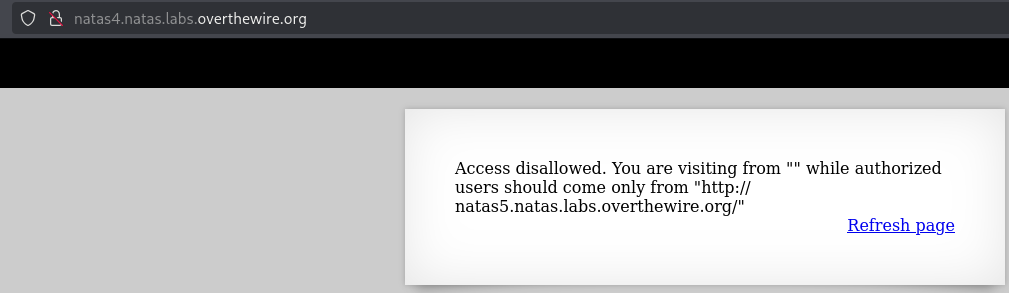
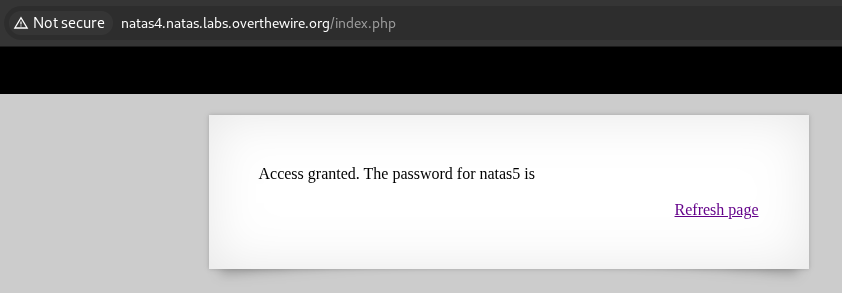
Once on the landing page it says Access disallowed. You are visiting from "" while authorized users should come only from "http://natas5.natas.labs.overthewire.org/". So first thing we’ll do is press F12 again and look around. If you expand <div id="content"> it doesn’t have any information there. There is another div of <div id="viewsource"> which just redirects us back to index.php when we hit the refresh button.
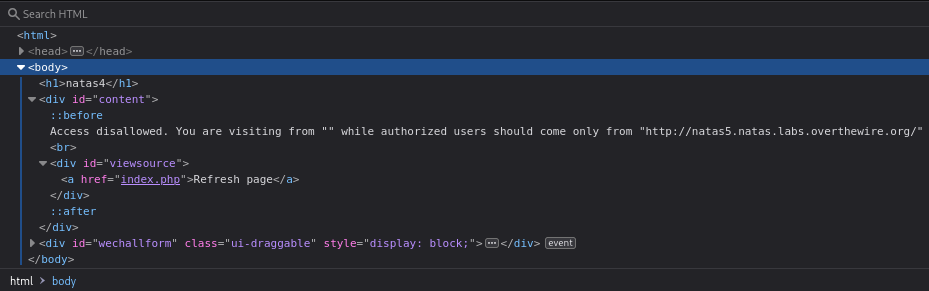
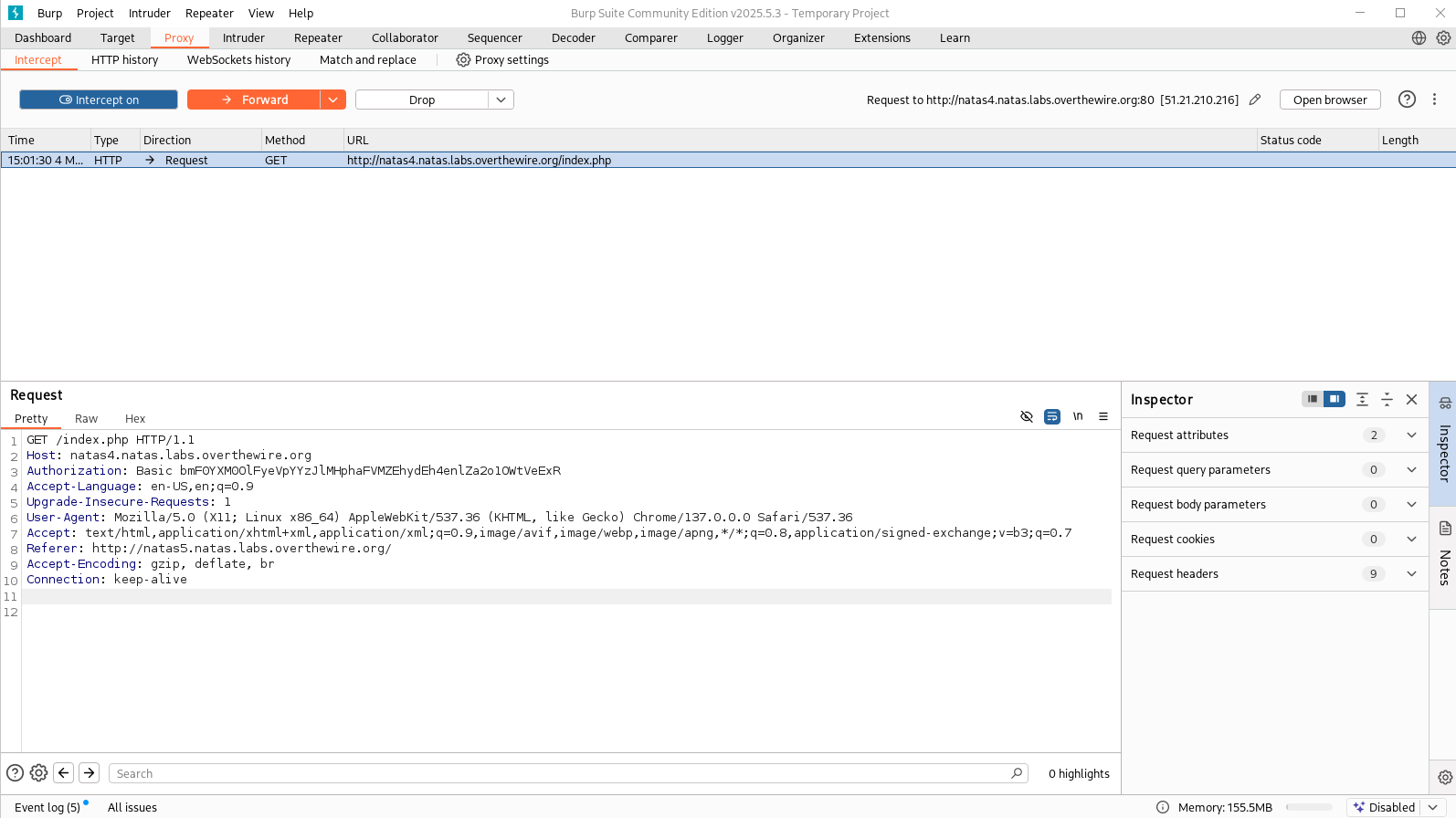
When learning about web-security one program I learned about was Burp Suite. Burp Suite is a fantastic program that lets us intercept, analyze, and modify HTTP/S traffic from a web browser. To learn more about Burp Suite I would suggest looking up a guide or a youtube video like this one here. So I’m going to open up Burp Suite, I’m going to go to the Proxy tab, and I’m going to click “Open Browser” on the far right side. Once the browser opens I’m going to navigate to the current natas4 link, and input the username and password again. Once the page is loaded and I’m on the landing page again, I’m going to to go back to Burp Suite, while still under the Proxy Tab, I’m going to click on “Intercept Off” to turn it on, once that is blue I’m going to go back to the Burp Suite browser and press the “Refresh Page” link on the landing page. You’ll see the webpage is frozen, that’s because Burp Suite is waiting for us to analyze what it has intercepted. So tab back to Burp Suite and once there you’ll see some entries populated on the bottom half. You should see one that is Referer: http://natas4.natas.labs.overthewire.org/ if you change that to be Referer: http://natas5.natas.labs.overthewire.org/ and then hit the Forward button at the top, tab back to the Burp Suite browser it should present you the new password for the next level! I’ve excluded it from the screenshot, so be sure to go get the password!