Natas 5-9 OverTheWire

I will be walking through levels 5-9 of OverTheWire’s Natas web-security wargame which can be found here. A good tip for these walkthroughs is to write all the passwords on a notepad so you can stop and restart at any time without having to do them all again.
Levels
Level 5
Navigate to the natas5 webpage and input the username and new password you found in the previous level. Once complete you should be met with the landing page.
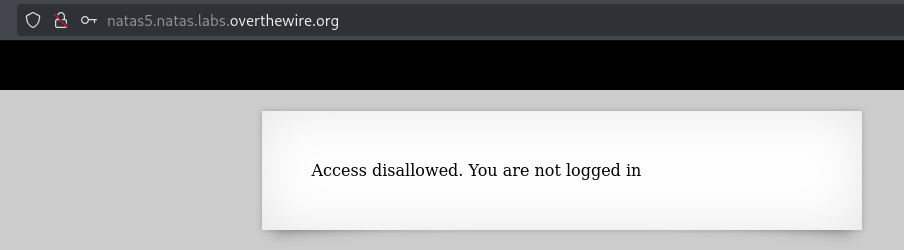
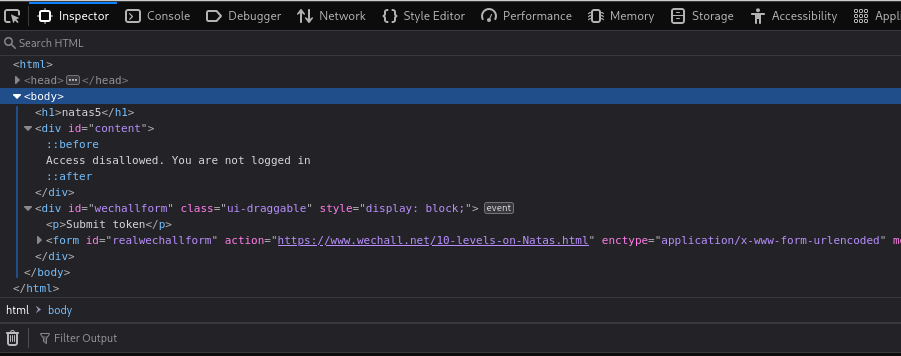
Once on the landing page it states Access disallowed. You are not logged in. So first thing we’ll do is press F12 again and look around. Expanding the <div id="content"> it doesn’t seem to be hiding anything. Expanding the <div id="wechallform"> also bears no fruit. So the next step is to use Burp Suite!
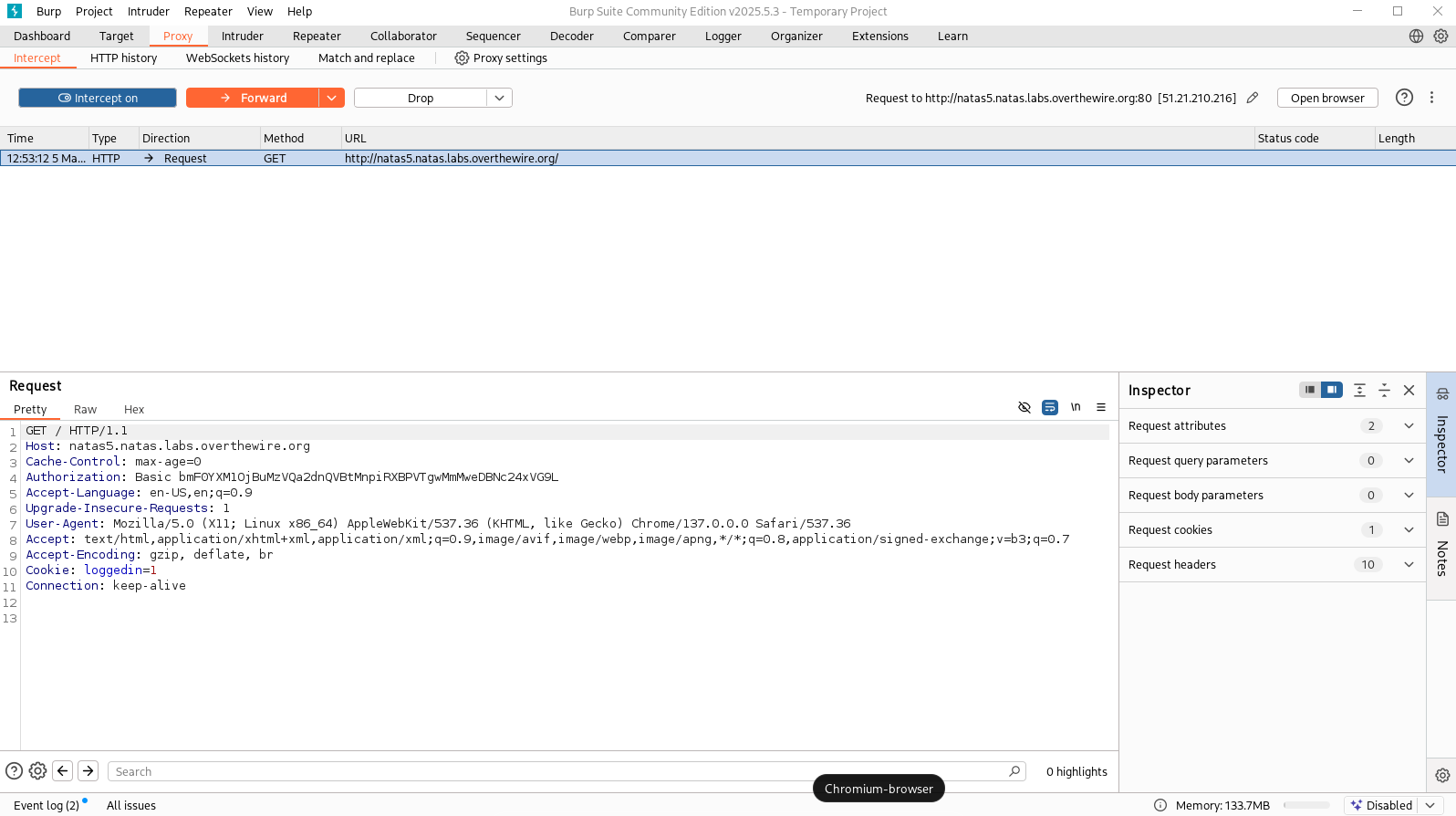
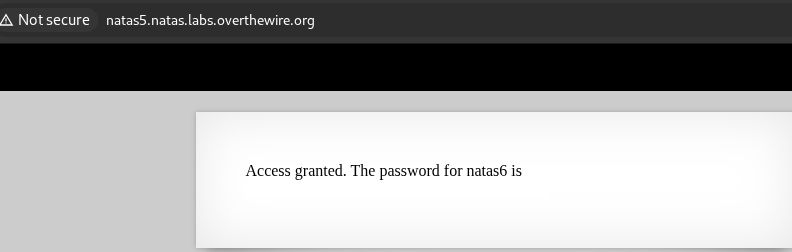
Once you’ve loaded up Burp Suite you can click the Open Browser button and navigate to the natas5 webpage and login. Once that is loaded back in Burp Suite you can tick the Intercept Off button so that it is turned on. Once that is done you can navigate to the nata5 landing page and refresh it to intercept the traffic. Once your Burp Suite has populated with data you should see Cookie: loggedin=0. Switching that 0 to a 1 and the hitting the Forward button will present you with the password! I’ve excluded it from the screenshot, so be sure to go get the password!
Level 6
Navigate to the natas6 webpage and input the username and new password you found in the previous level. Once complete you should be met with the landing page.
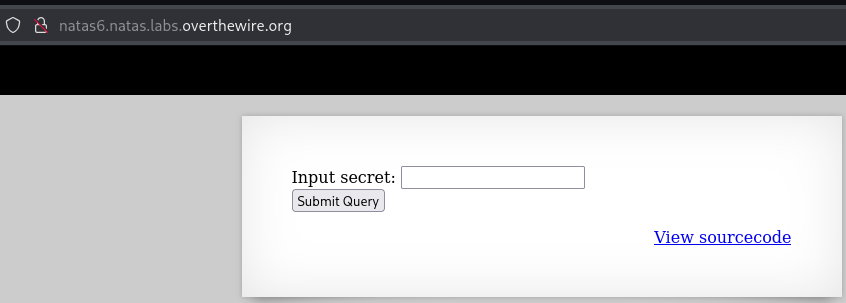
Once on the landing page it asks for us to input a secret. It provides us with a link to the source code, so lets go ahead and check that out.
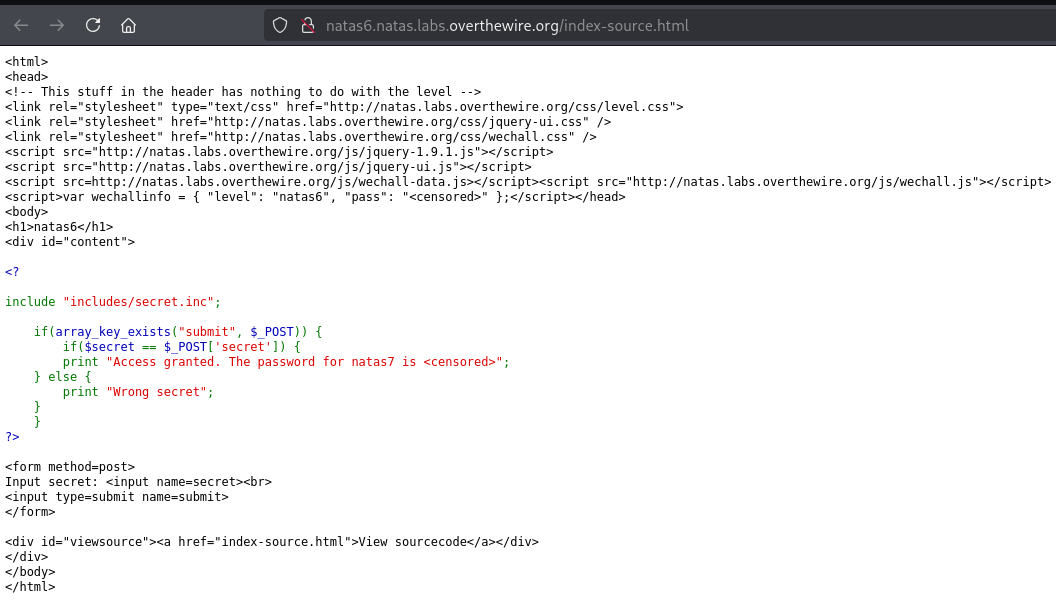
Looking at the source code I see that it is including a file include "includes/secret.inc";. My first instinct is to check that link in our browser so I’m going to navigate to /includes/secret.inc. We go to a blank page, which makes it seem to me that we are in the right place, so let’s press F12 to see if anything shows up.
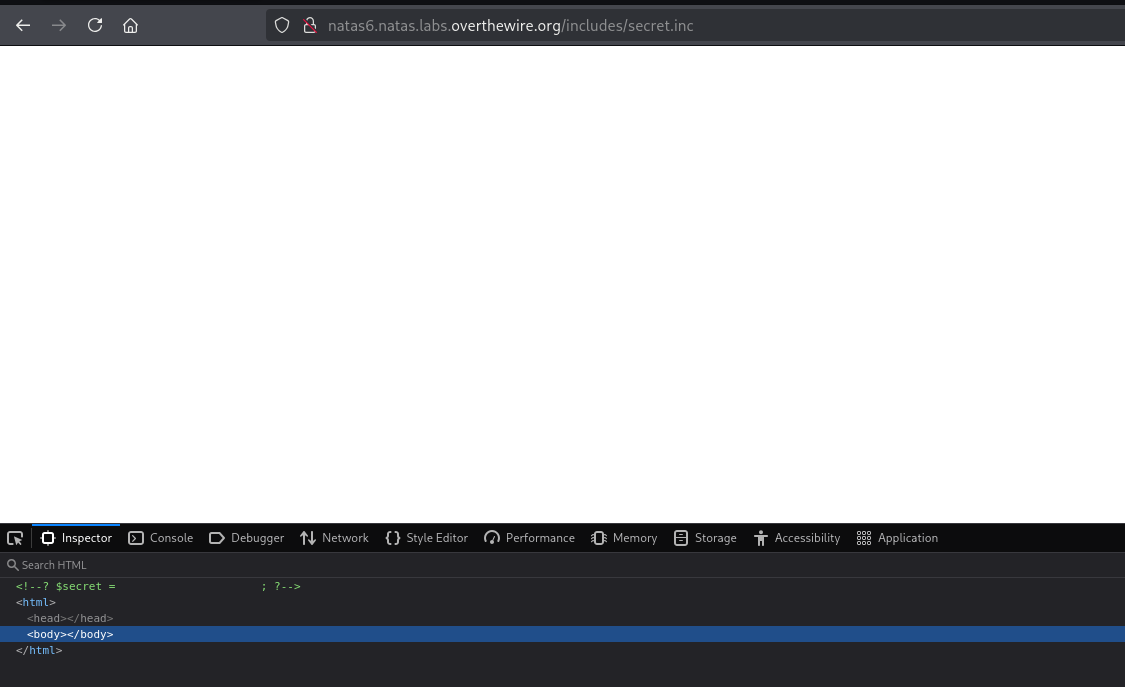
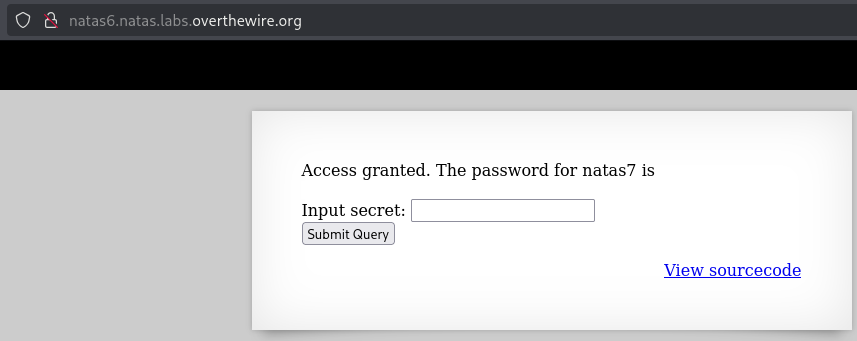
Looks like it gives us the secret to use so let’s copy it and go back to the homepage for natas6. Once there lets input the password and get the password for the next level! I’ve excluded it from the screenshot, so be sure to get the password!
Level 7
Navigate to the natas7 webpage and input the username and new password you found in the previous level. Once complete you should be met with the landing page.
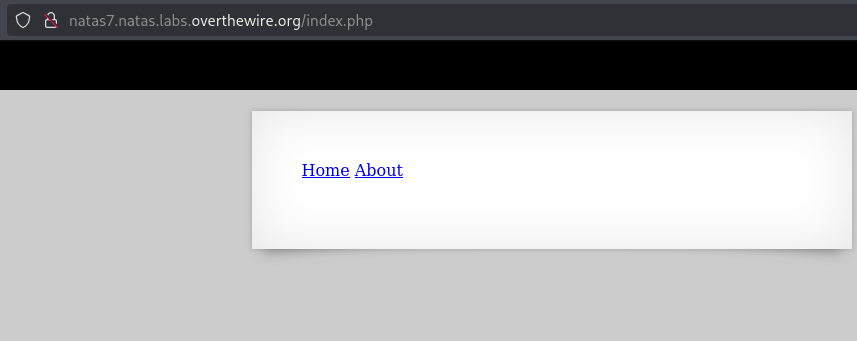
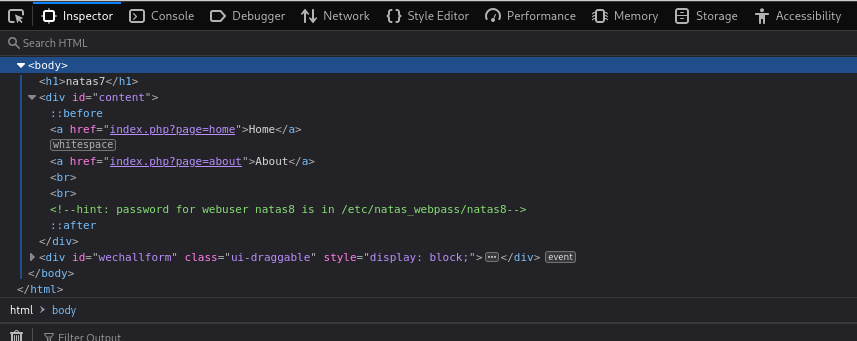
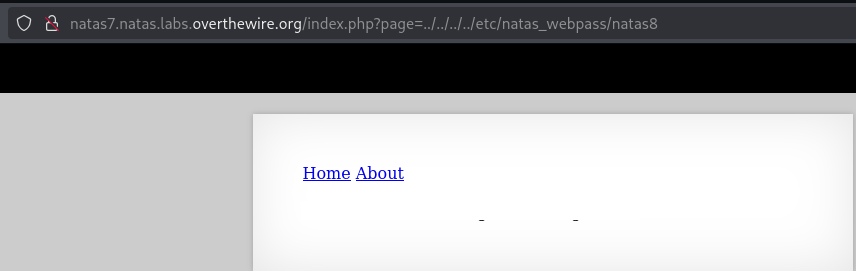
Once on the landing page it contains a Home and an About link. Clicking them just brings us to the same page with some more text, cool. So first thing we’ll do is press F12 again and look around. If you expand the <div id="content"> you’ll see there is a hint of hint: password for webuser natas8 is in /etc/natas_webpass/natas8 which makes me think this is an LFI exploit. You can read more about LFI here. Another indication that I might think it is LFI is because when you press the About page the link includes a ?page=about at the end. So if we replace the about with ../../../../etc/natas_webpass/natas8 it will hopefully give us the password to the next level. Looks like it did indeed work and you should see the password printed on the webpage! I’ve excluded it from the screenshot, so be sure to go get the password!
Level 8
Navigate to the natas8 webpage and input the username and new password you found in the previous level. Once complete you should be met with the landing page.
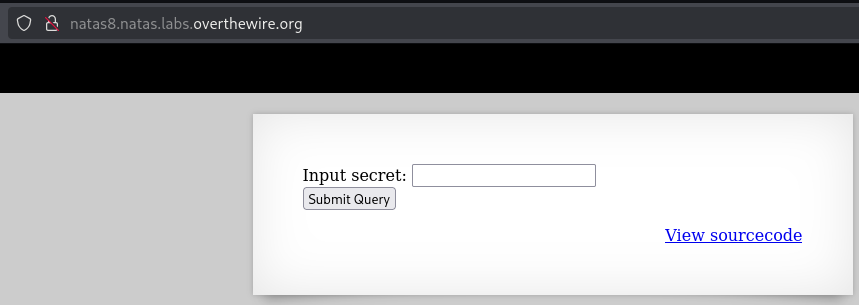
Once on the landing page it is requesting we input a secret and contains a link to the source code. So lets take a look at the source code and see what it contains.
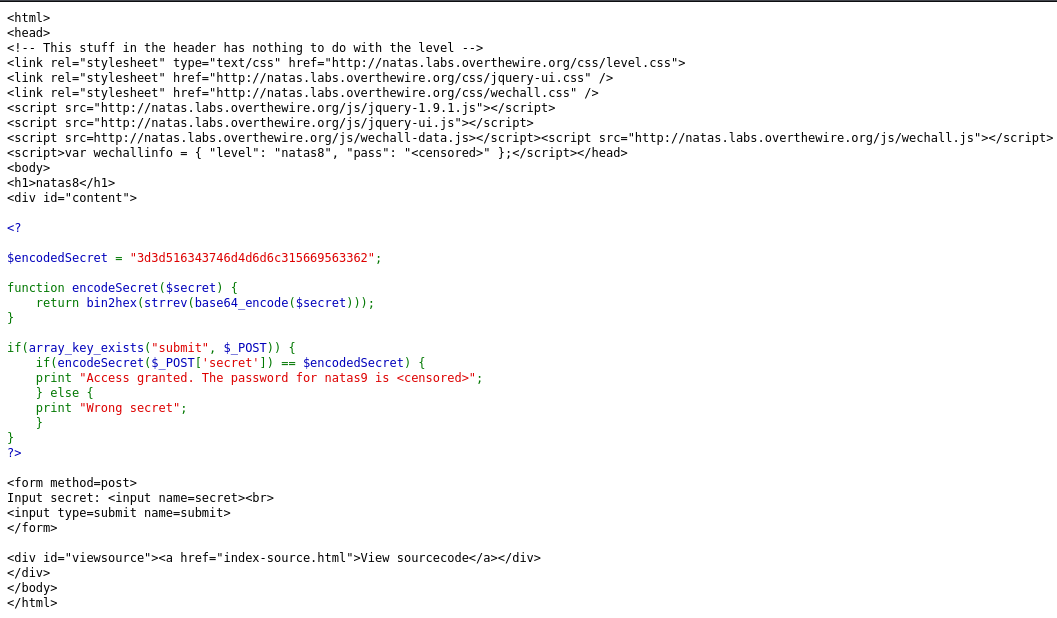
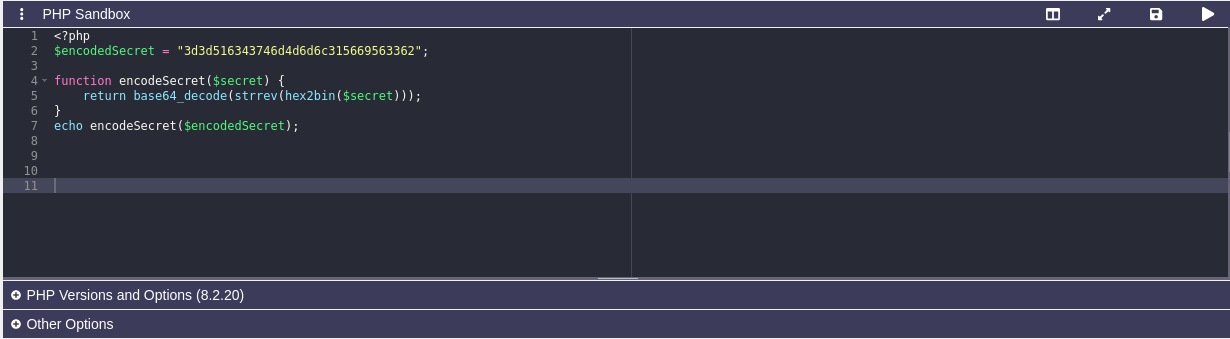
Looking at the code we see it’s encoding an encoded secret string so we just have to reverse that, which I find fun to do! So first you can navigate to a website that allows you to execute php code like this one here. The code currently is bin2hex(strrev(base64_encode($secret))); so to reverse it we can do base64_decode(strrev(hex2bin($secret))); So we’re coverting the secret to a binary, then reversing it, then calling base64_decode on it to give us the secret that we need to input. Here is the full code.
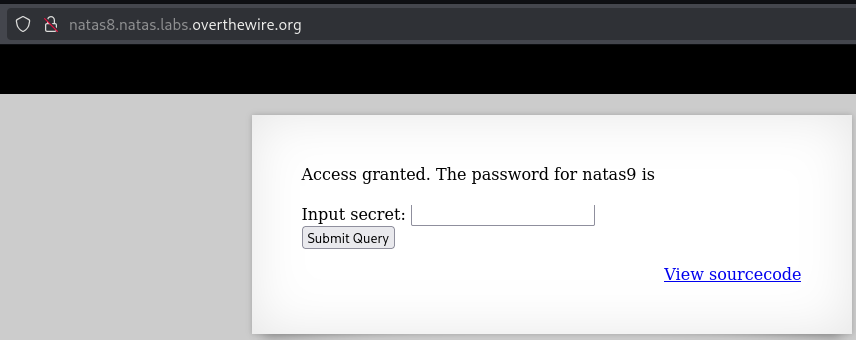
Now that we have the secret we can input it into the website and get the password! I’ve excluded it from the screenshot, so be sure to get the password!
Level 9
Nagivate to the natas9 webpage and input the username and new password you found in the previous level. Once complete you should be met with the landing page.
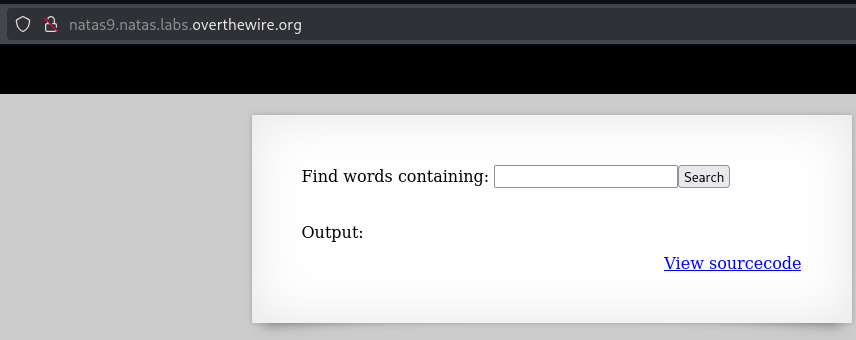
Once on the landing page it allows us to search for a word and has a link to the source code, so let’s take a look at the source code.
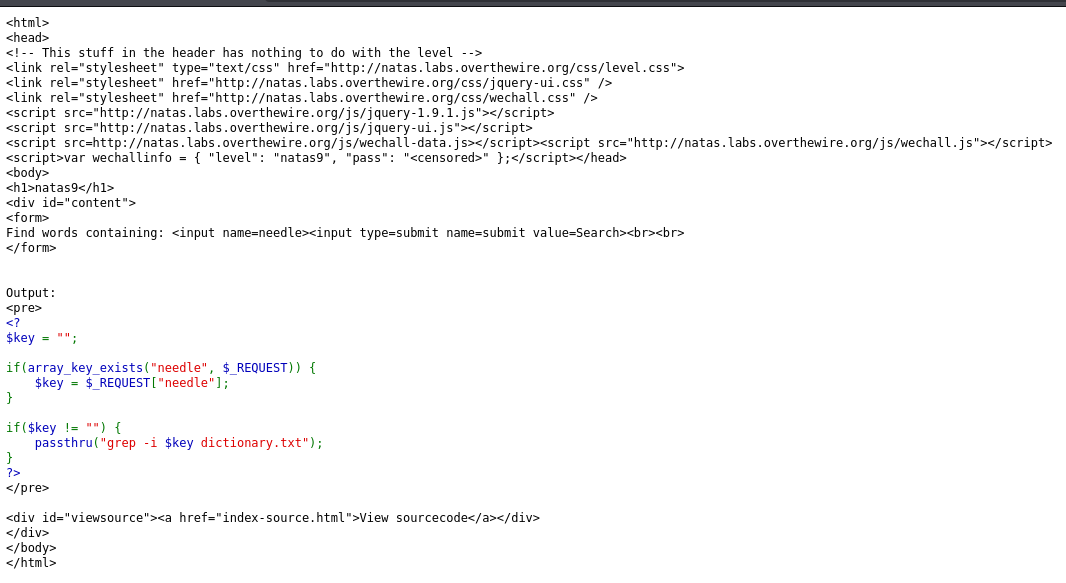
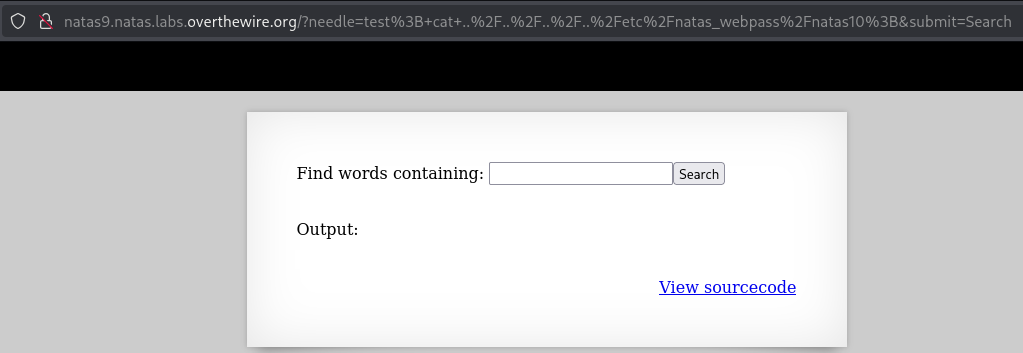
This one is a bit tricky without doing some research. Having done some studying on web-security and vulnerabilities and a knowledge of coding, my first instinct is to check the passthru function that is being used, I’ve also encountered this function before, so I’m aware of it’s vulnerability. Looking at the code passed to passthru I can see that it isn’t being sanitized so that means we can potentially send it a command to print a password for the next level, which if you remember is found at /etc/natas_webpass/natas10. This is called Command Injection and you can read more about it here. Due to this code being php, the way to exploit this passthru function is to use input like this test; cat ../../../../etc/natas_webpass/natas10;, so if you go ahead and input that into the input field it’ll return the password for the next level! I’ve excluded it from the screenshot, so be sure to go get the password!